2025 lessons from real-world iGUIDE use cases across industries
Most teams still treat spatial documentation as a one-time deliverable. The fastest-growing ones don’t.
Across thousands of captures and an expanding range of industries, a clear pattern emerged: growth didn’t come from shooting more listings. It came from expanding what teams capture, how they sell it and who they sell it to.
Here’s what stood out — and how to apply it heading into 2026.
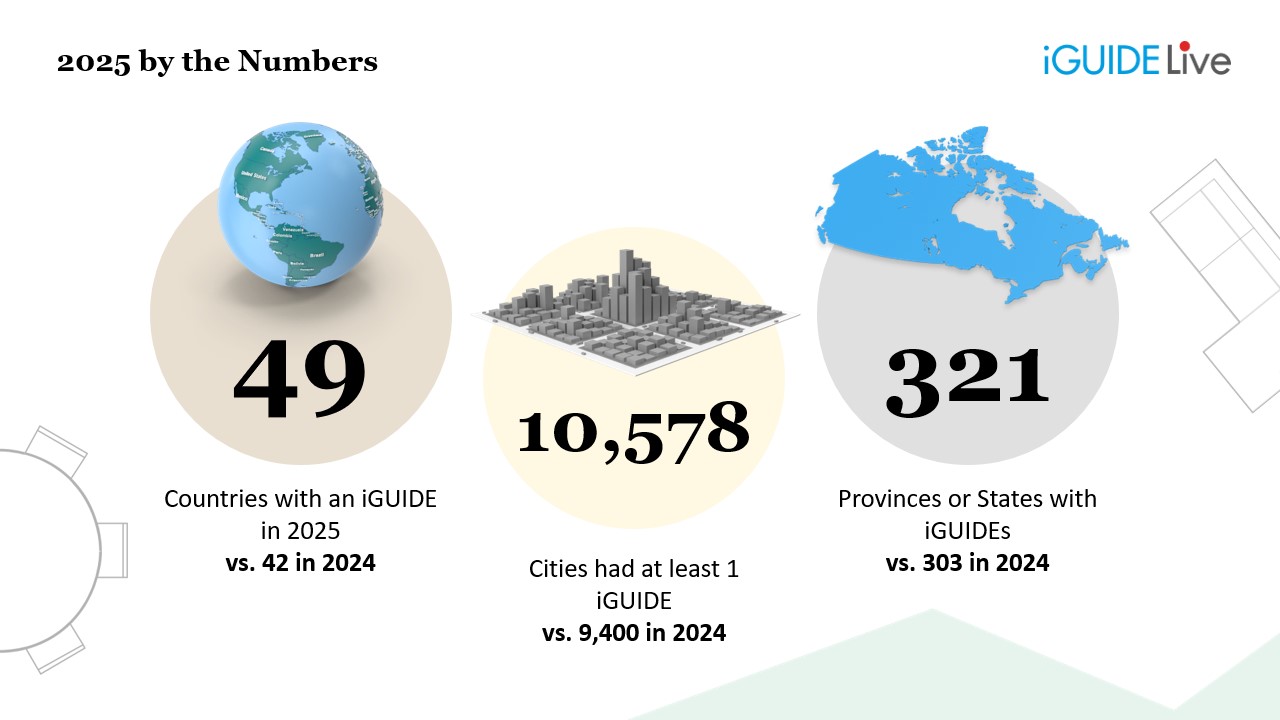
Prefer to watch instead? Watch the full iGUIDE 2025 recap webinar on demand
1. Why growth comes from expanding use cases, not just volume
The biggest growth stories in 2025 weren’t about doing more of the same work faster. They came from breaking out of the “standard listing” box.
Across real-world customer workflows, teams stretched iGUIDE into new use cases:
-
A real estate photography business scaled from a single camera to 600+ clients
-
An architecture firm cut site documentation time from 3 hours to 30 minutes, freeing time for actual design work
-
A restoration provider reduced claim timelines from months to weeks by replacing manual documentation with accurate, shareable data
-
A healthcare facility used iGUIDE data + AI to visualize a future-state renovation, turning a scan into an ~$8,000 project
These weren’t edge cases — they were signals.
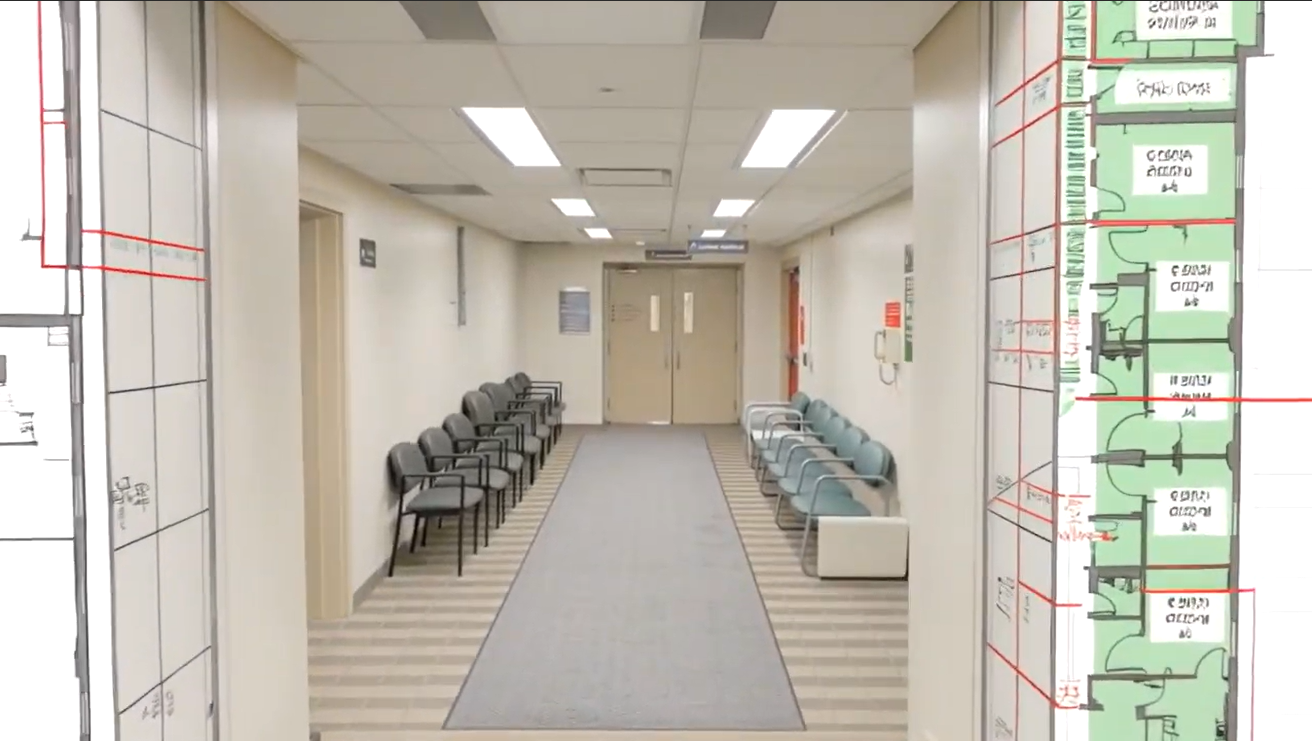
Using existing iGUIDE data to visualize a future renovation — turning documentation into a paid planning deliverable.
Key takeaway: When iGUIDE is framed as a single-use listing tool, its value is capped. The fastest-growing teams use it as documentation that supports a wider range of workflows, from renovations and insurance claims to facilities planning and beyond.
2. How accuracy builds trust and unlocks higher-value work
Across industries, one theme kept resurfacing: trust in measurements is what unlocked bigger projects.
This was especially clear in non-residential workflows:
-
Private aircraft interiors were scanned to validate height clearance, seating layouts, and precise dimensions
-
High-value rentals ($30K+) were previewed virtually, reducing friction and in-person visits
-
Large commercial spaces relied on accurate floor plans to make confident, faster decisions
In each case, accuracy wasn’t a “nice to have” — it was the reason the work happened at all.
We've had our measurements challenged at least 200 times. Every single time, iGUIDE has been accurate. Not once has it been wrong. — Ryan Hagel, Owner, Calgary Real Estate Photos
Key takeaway: Accuracy isn’t just a product feature. It’s a sales enabler. When you lead with measurement confidence, clients trust the output enough to use it for planning, approvals, and budget decisions — not just marketing visuals.
3. Why flexible deliverables outperform all-in packages
One quiet but important shift in 2025 was how users wanted to buy.
Instead of fixed bundles, iGUIDE introduced more modular options — Advanced Drafting Services — allowing customers to select only the outputs they needed (specific CAD files, reports, or add-ons).
Key takeaway: Flexibility reduces friction. When customers can tailor deliverables to the job at hand, they’re more likely to say yes — and more likely to come back for specialized work.
4. How workflow fit increases adoption after the scan
Several 2025 updates shared one common goal: reducing friction after capture.
Rather than asking teams to export files or switch tools, iGUIDE data became easier to access inside environments they already work in.
Notable examples:
-
Xactimate access to iGUIDE virtual walkthroughs allowed insurance professionals to view, inspect, and measure properties directly within their estimating workflow — reducing the need to switch tools or revisit sites
-
HDPhotoHub integration unified photo delivery and iGUIDE data into a single workflow
-
Industry-specific iGUIDE Tag Reports made it easier to organize, reference, and share documentation with stakeholders
These were more than conveniences, they changed how often iGUIDE data got used after capture.
Key takeaway: The more seamlessly iGUIDE fits into existing workflows, the more valuable it becomes. Growth isn’t just about capture, it’s about adoption downstream.
5. Where spatial documentation is headed next
Looking ahead, the most meaningful updates aren’t cosmetic. They expand what “property documentation” actually means.
What’s coming next:
-
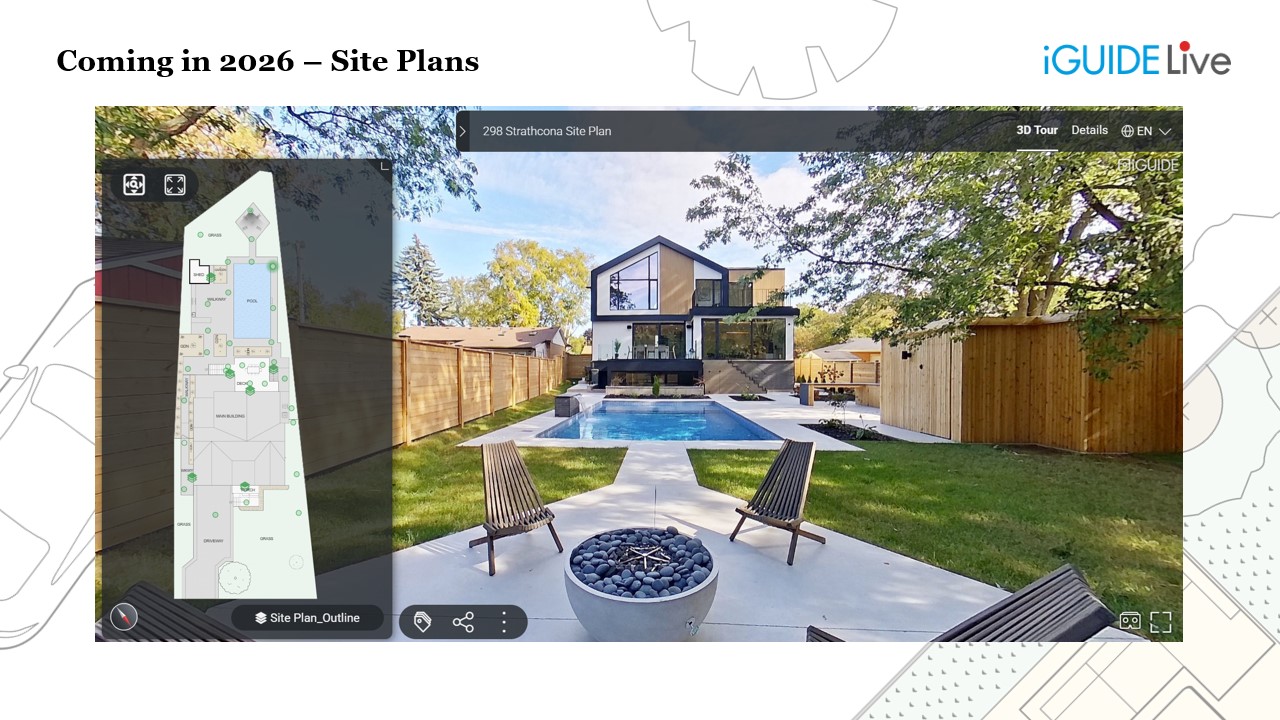
Site Plans that extend capture beyond the building to the full parcel
-
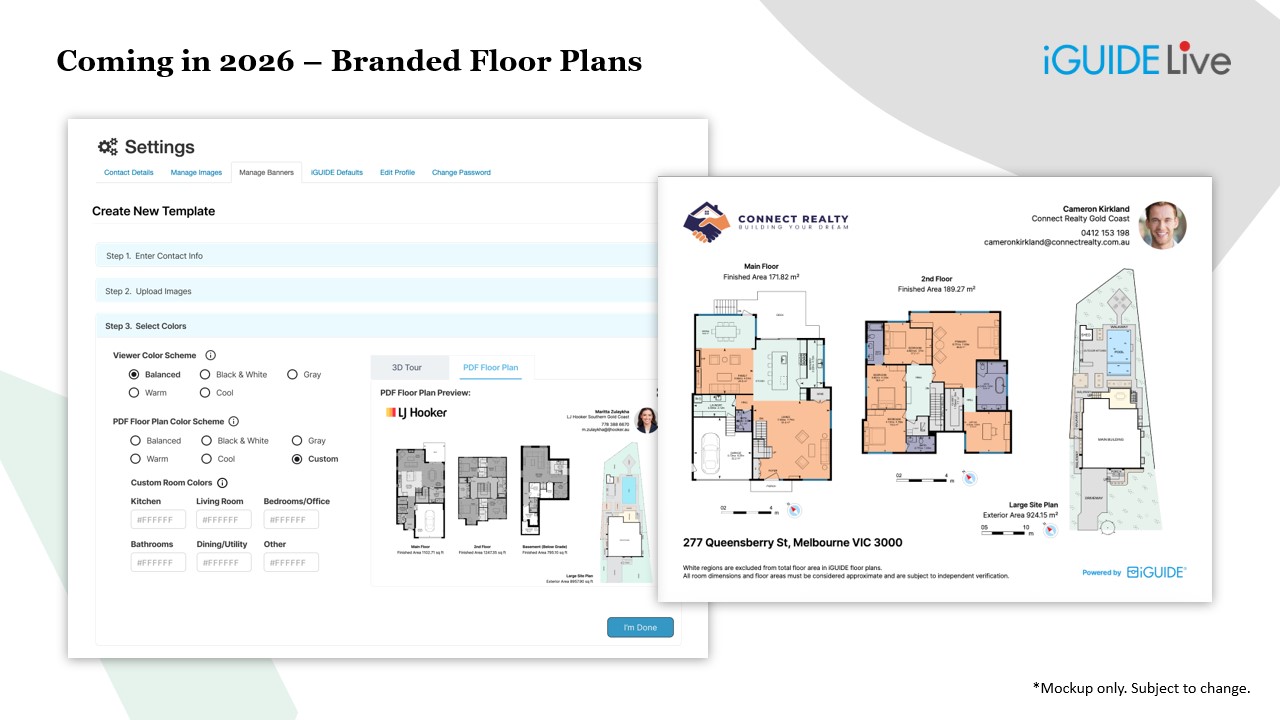
Branded floor plans that help agents reinforce their brand on every deliverable
-
Mobile viewer enhancements designed to make navigation feel natural on smaller screens
Taken together, these changes reflect a clear direction: iGUIDE is moving from “inside-only” documentation to end-to-end property context.
Key takeaway: As buyers and stakeholders increasingly review properties on mobile and expect full-lot visibility, the value shifts to whoever can deliver the clearest, most complete picture — quickly.
Where to look next if you want to get more value from each capture
If you’re looking to build on what’s already working, here are three concrete ways to act on these patterns:
- Audit your current use cases: List every way you currently sell iGUIDE — then identify one adjacent workflow you’re not serving yet (renovations, insurance, facilities, healthcare, etc.). If it helps, use the iGUIDE marketing catalog as a reference for how other teams package and position their services.
- Reframe your sales conversations: Lead with outcomes (time saved, decisions accelerated, trust built), not features or specs.
- Lean into workflows, not just deliverables: Show clients how iGUIDE fits into what they already do, especially where integrations reduce friction.
The biggest opportunity isn’t doing more captures. It’s making each capture more valuable.
If you want to dig deeper into the examples and launches referenced here, you can watch the full 2025 recap webinar on demand.
When you’re ready to explore what that could look like for your business, talk to your CSM about expanding your workflows and how other teams are using iGUIDE beyond traditional listings.
Author

Jennee Rasavong
Content Marketing Manager
Jennee is the Content Marketing Manager at Planitar, makers of iGUIDE, where she creates clear, practical content grounded in real customer workflows. Her work focuses on blogs, customer stories, and guides that help make complex tools easier to understand.