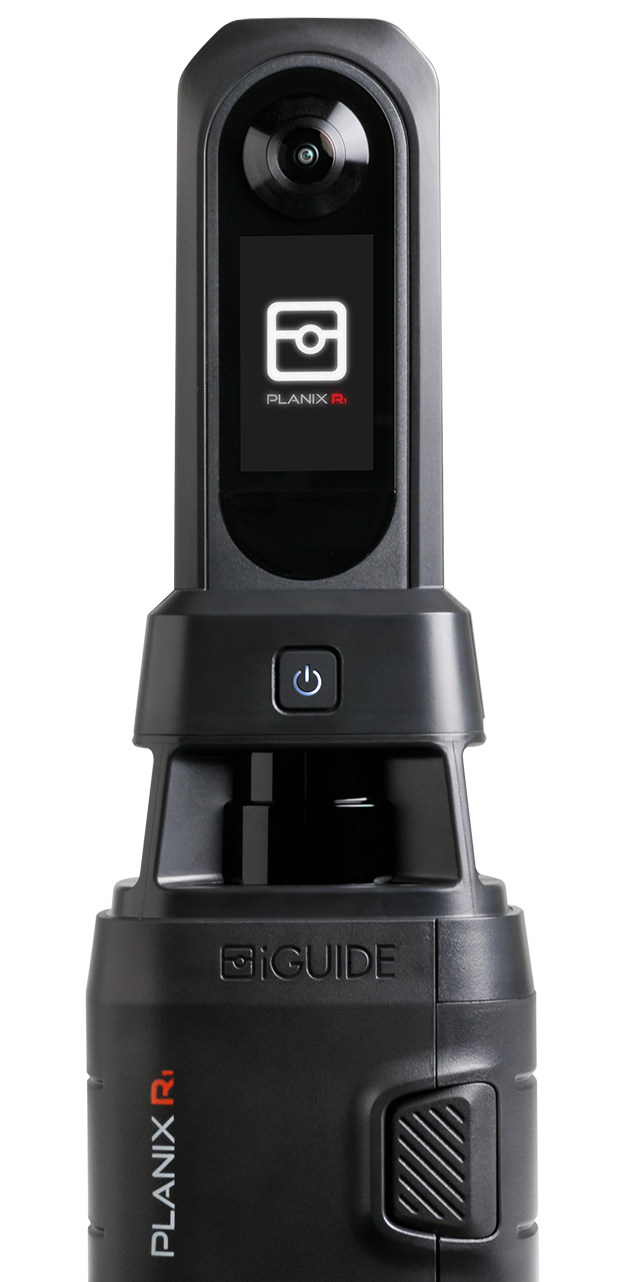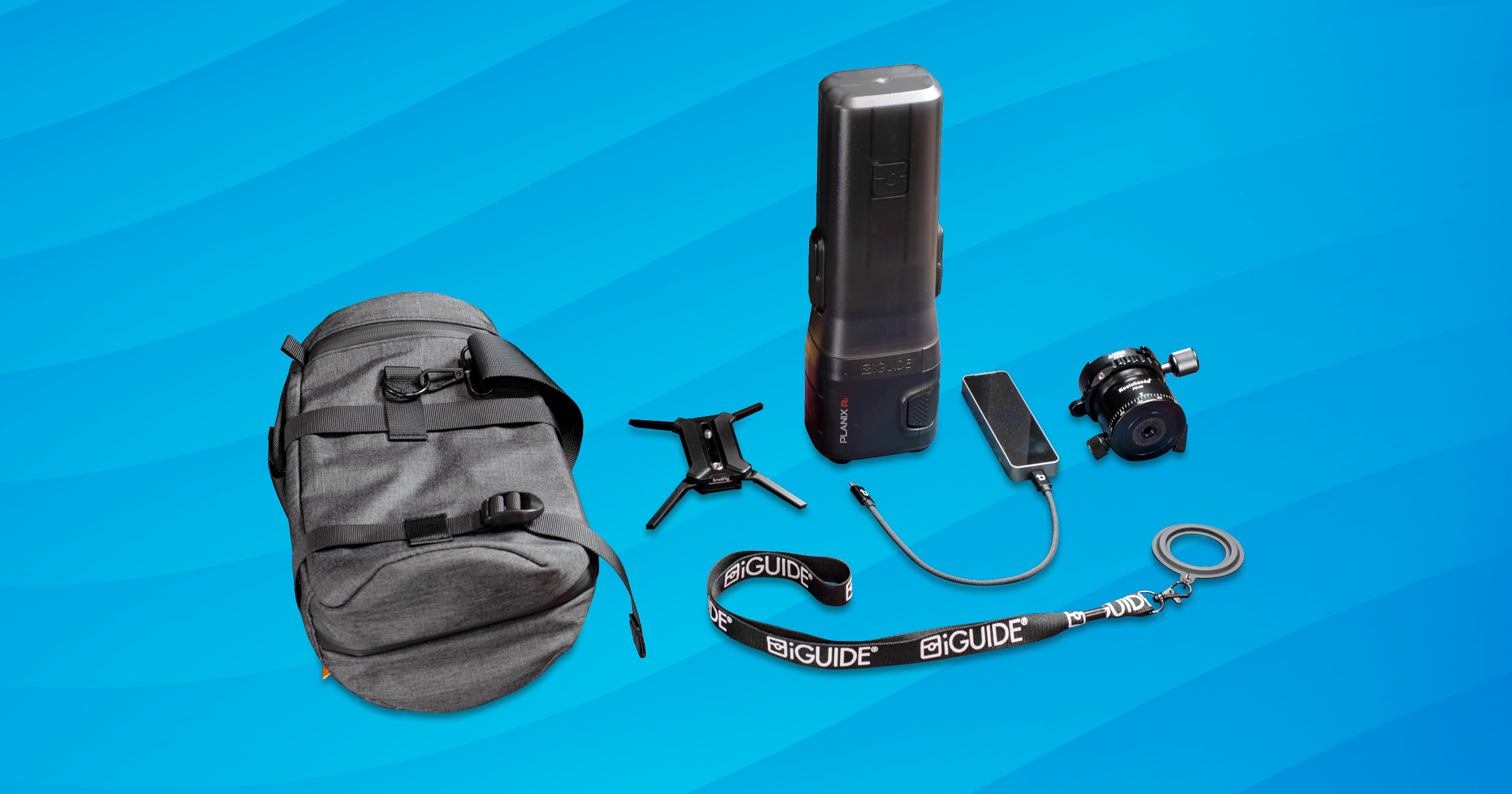
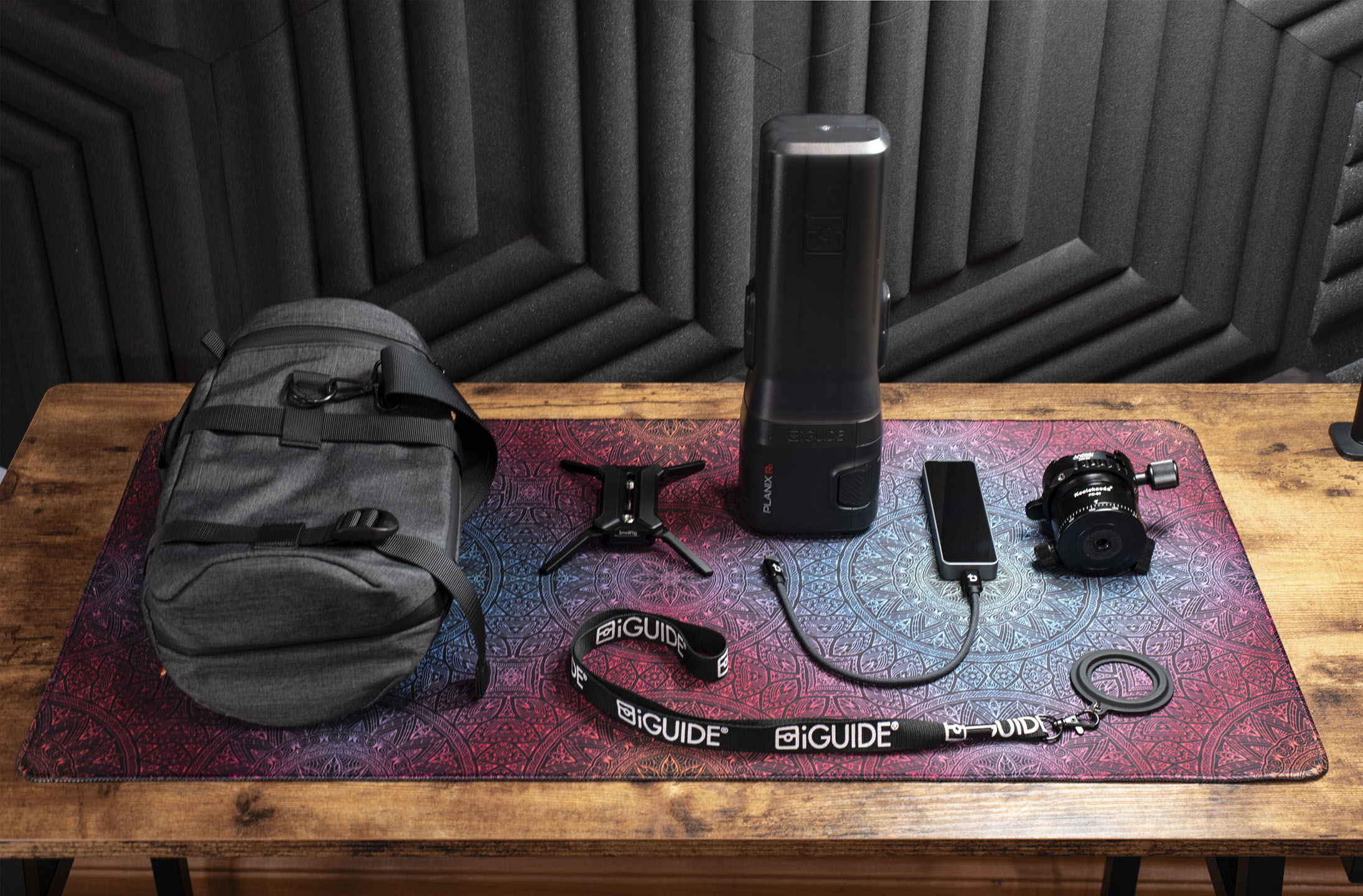
If you're deciding which PLANIX setup is right for your workflow, this comparison of iGUIDE camera systems can help — and once you’ve chosen your camera, the accessories below can help you get the most out of it.
Accessories to upgrade your PLANIX R1 setup
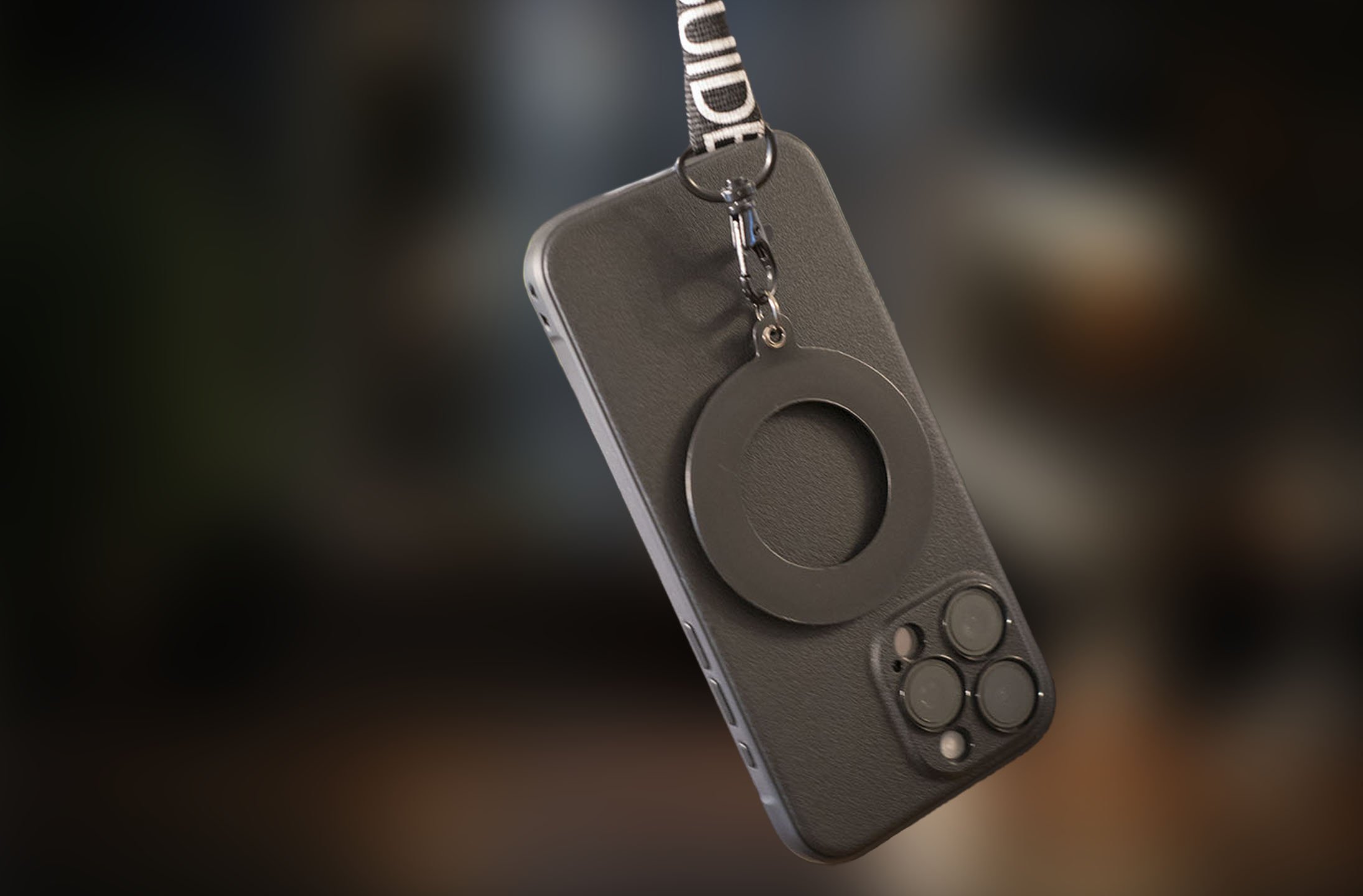
1. MagSafe compatible phone lanyard
Hands-free is a lifesaver when you’re moving between rooms or adjusting your setup. A MagSafe-compatible phone lanyard keeps your phone accessible so you can quickly check measurements, confirm your capture, or snap a reference photo without stopping to dig through your bag.
Why it’s useful on-site:
- Keeps your hands free while operating your PLANIX R1
- Quick access to your phone during capture
- Lightweight and comfortable for long shoot days
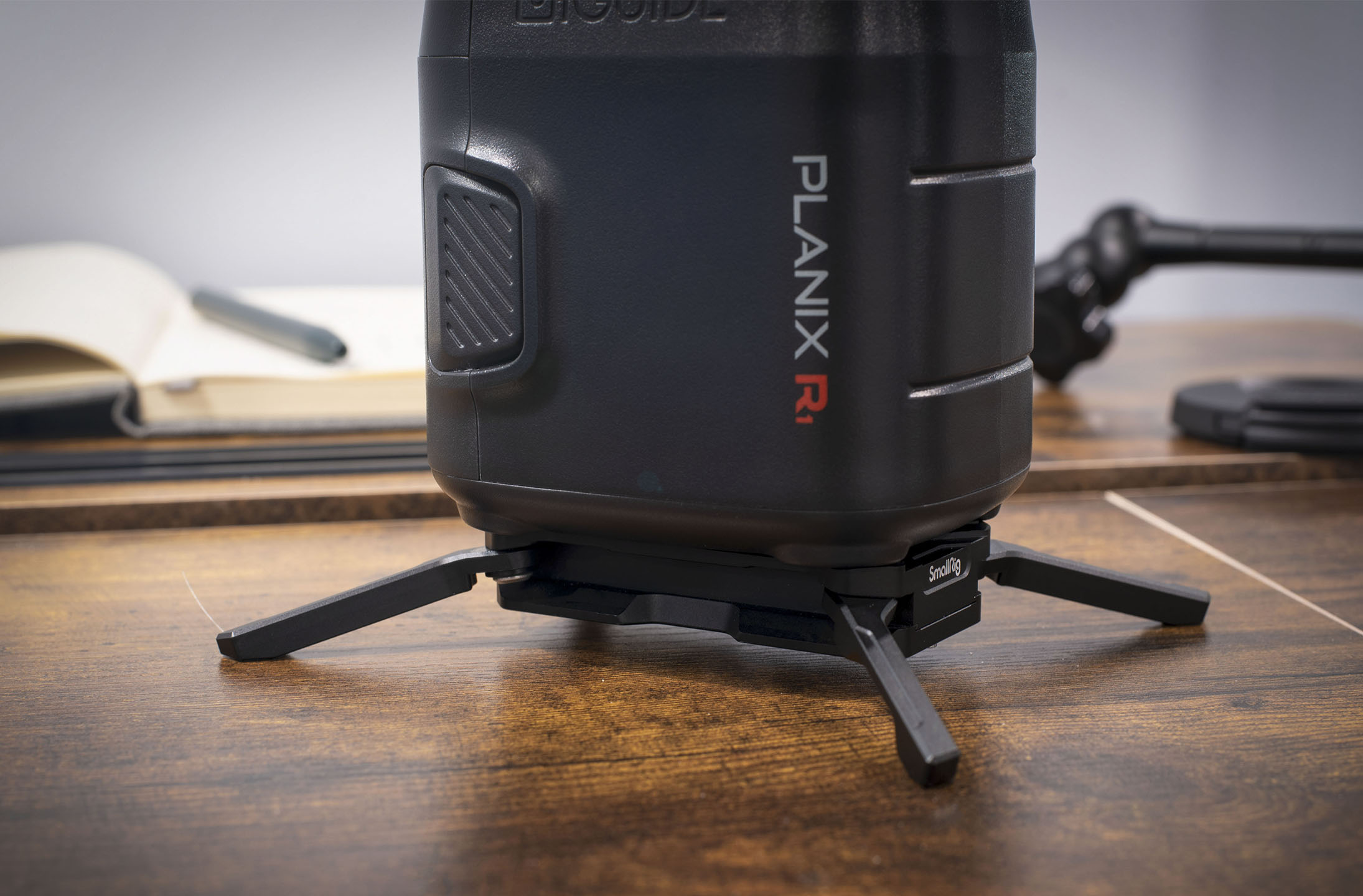
2. Arca-Swiss–compatible quick-release plate with feet
For fast setup and reliable stability, an Arca-Swiss–compatible quick-release plate with built-in feet is a practical upgrade. The added feet give you flexibility when placing the PLANIX on flat surfaces, and quick-release functionality speeds up setup and teardown on busy shoot days.
What it helps with:
- Quick-release plate for faster setup and teardown
- Durable construction that supports daily use
- Added stability on both tripods and flat surfaces
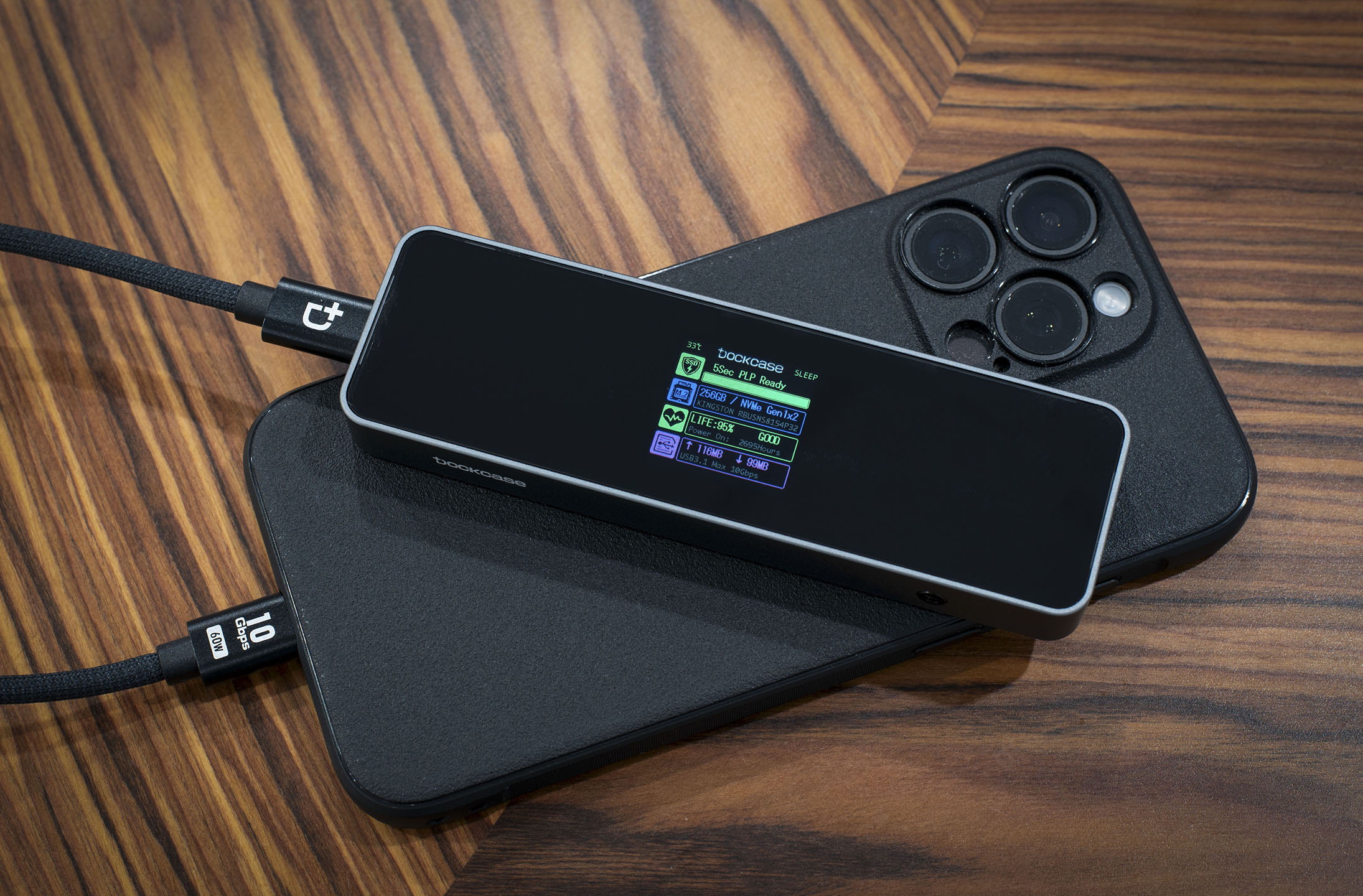
3. Portable NVMe storage enclosure
If you’re capturing multiple properties in a day, extra storage helps keep your workflow smooth. A portable NVMe storage enclosure paired with a fast SSD gives you space for large PLANIX projects and quick file transfers back to your computer.
Why it fits a busy workflow:
- Fast data transfer speeds
- Compact and easy to carry on-site
- Reliable backup storage for larger shoots
4. Padded camera pouch
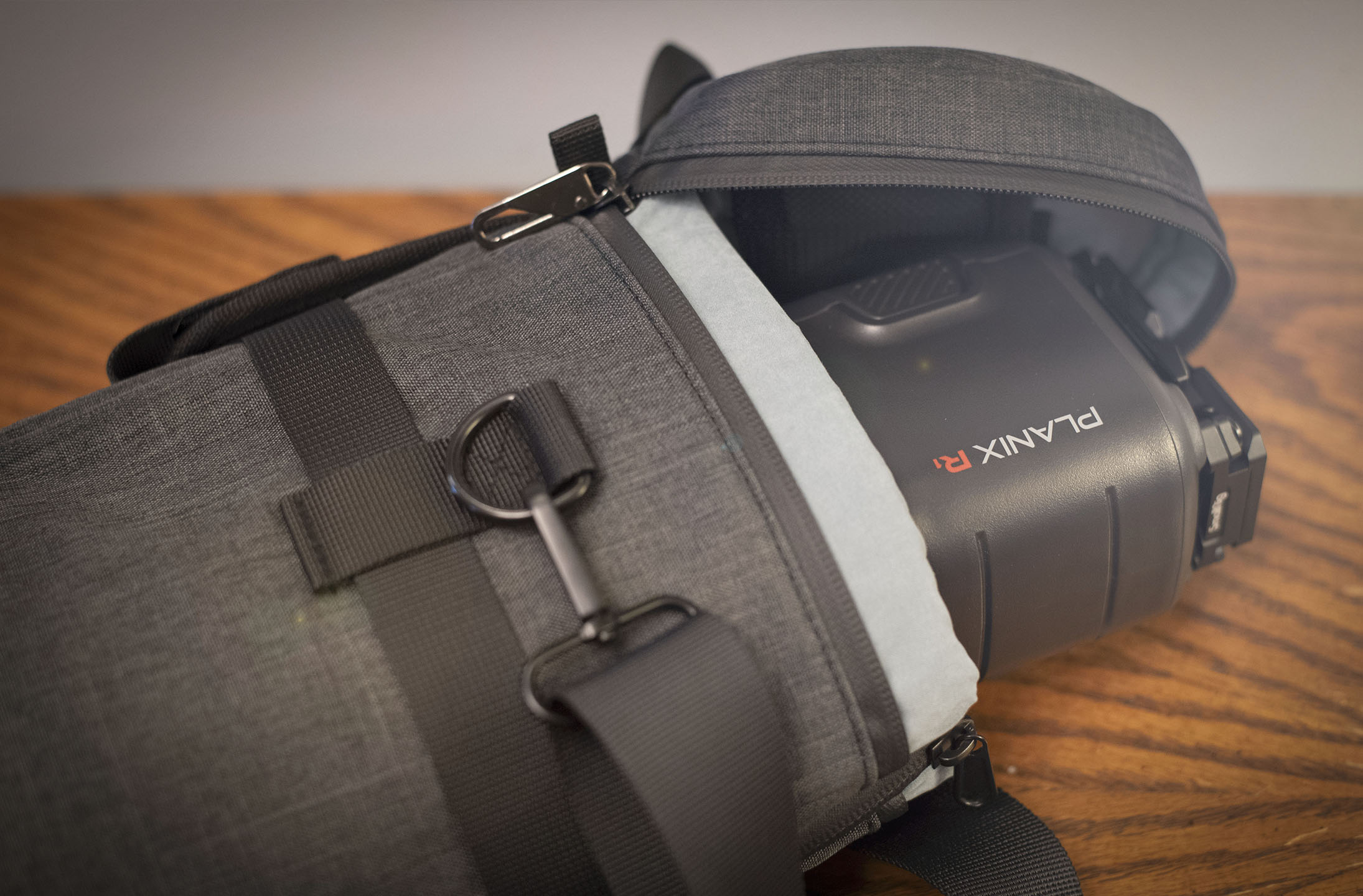
When you want something slimmer than the standard soft case, a padded camera pouch is a simple way to protect the PLANIX R1 in your bag or on the go. It’s lightweight, shock-absorbing, and sized well for the camera plus a few small accessories.
Why it works well in the field:
- Fits the PLANIX R1 and small accessories
- Padded interior protects the device in transit
- Lightweight and easy to pack
- Bonus: hangs easily from most tripods to hold the System Shield
5. Tripod leveling base
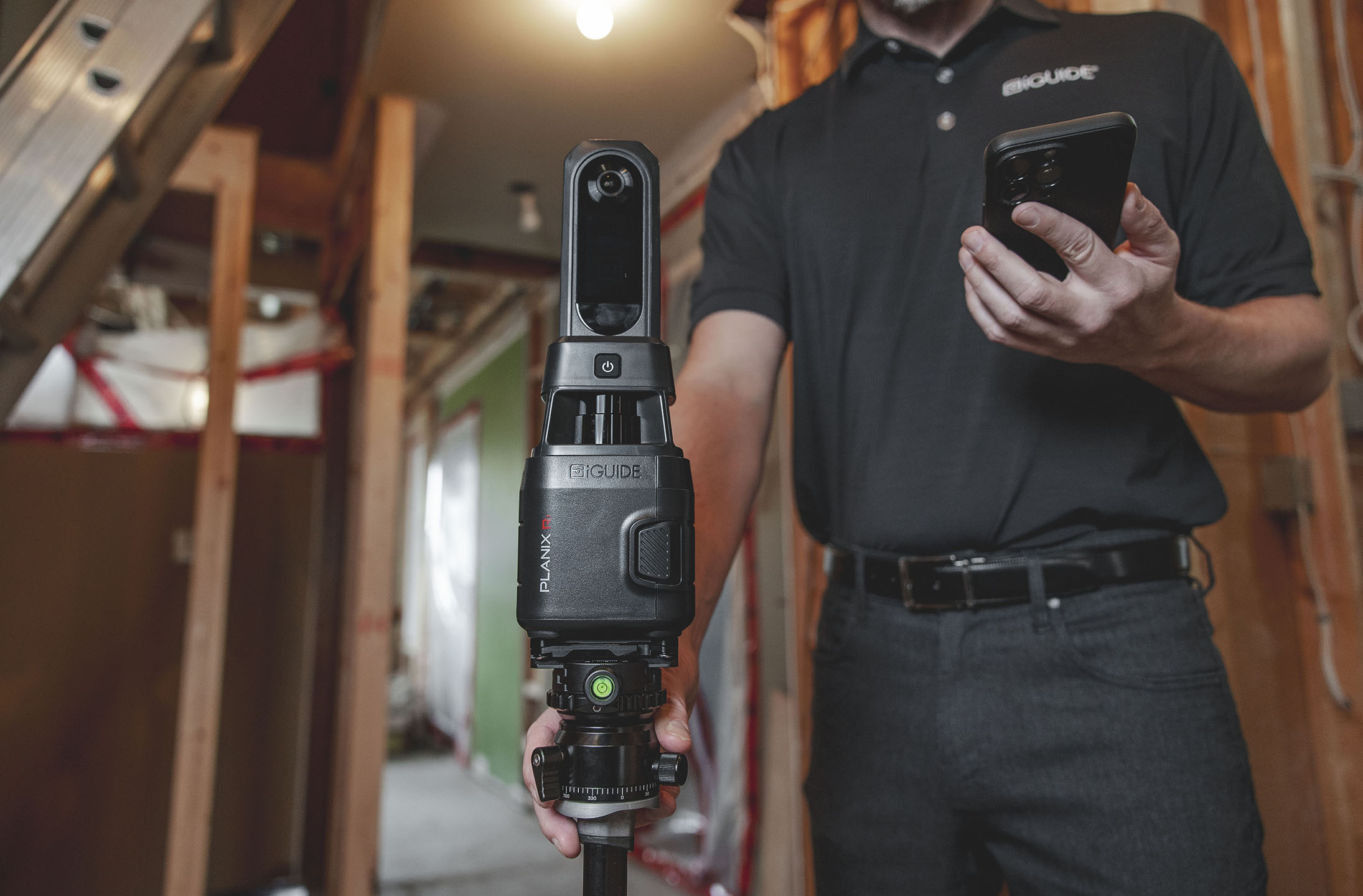
A tripod leveling base helps you set up faster and ensures your captures stay accurate. Smooth, precise adjustments make it easier to level your setup in seconds — especially when moving between uneven floors or different property types.
Why accuracy improves:
- Quick leveling for consistent, accurate captures
- Works with most standard tripods
- Compact and lightweight for easy transport
For more detail on how leveling affects accuracy, this guide explains how the right tripod improves your captures.
Build a PLANIX setup that supports your workflow
Whether you need faster leveling, extra storage, or better on-site organization, these accessories help make your PLANIX R1 workflow smoother and more efficient. Pick the tools that match your style of shooting and build a setup that supports you on every property.
Pro tip: Choose the accessories that match the type of properties you shoot most often. A strong leveling setup, easy phone access, and reliable storage can noticeably speed up your capture time and keep your workflow consistent.
If you want to get even more accuracy out of your PLANIX R1, explore the new SLAM feature in PLANIX R1.
Looking for more ways to get the most out of your PLANIX R1? Explore the full PLANIX camera system.
Note: Specific products and availability may change over time. The recommendations above focus on the features and functionality that support a reliable PLANIX workflow.
Author:

Chris is the Product Marketing Manager at Planitar of iGUIDE, leading technology for floor planning and space documentation. With a deep understanding of real estate, architecture, and insurance industries, Chris specializes in showcasing how iGUIDE’s tools enhance decision making across the entire property lifecycle. Chris' two passions are spending time with his family and talking endlessly about anything.