A generic pin tells you where something is. It doesn't tell the adjuster, the drafter or the facilities team what it is, why it matters or what to do with it. Enhanced Tags close that gap by turning every marker into a named, visual, consistently rendered part of the record.
Icons are drawn from a curated library grouped by Utilities, Safety & Conditions, Media and Spaces. Every icon carries a specific visual meaning. There is no free-text label doing the work a symbol should do.
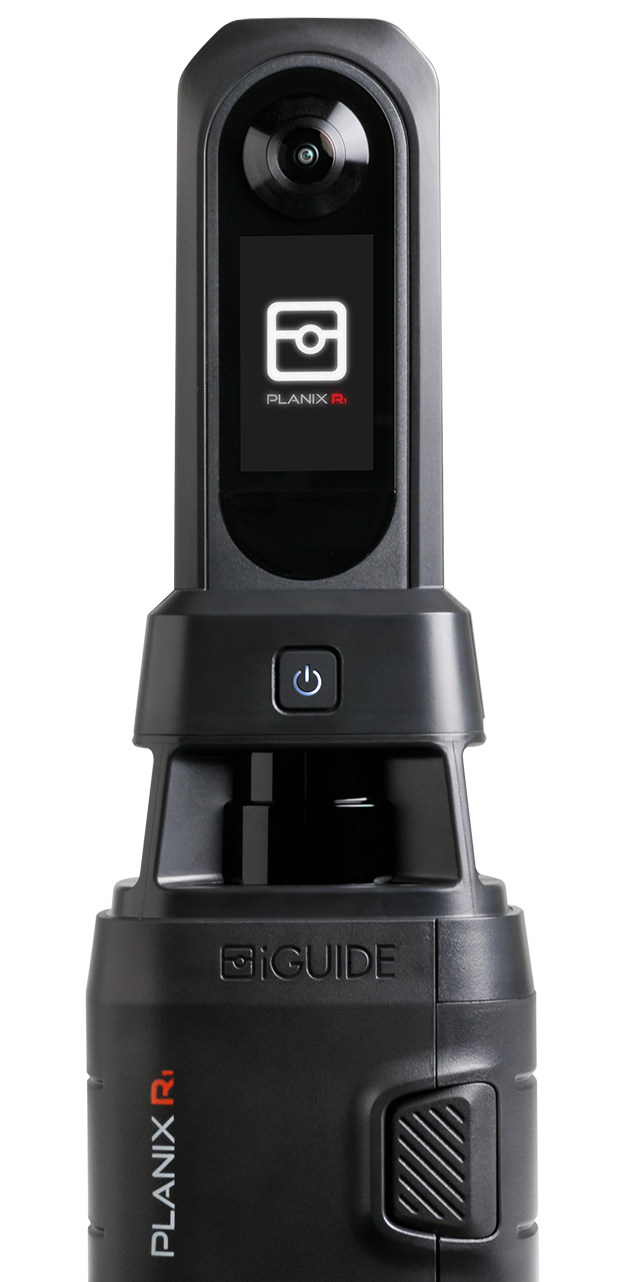
Tags are placed on the 2D floor plan during capture, not in a 3D mesh preview, so you can see exactly what you have covered and where before you leave the site. Creation is faster on site: the most-used icons appear first and tag titles autocomplete from the icon selected. Enhanced Tags are available on PLANIX R1 with no higher-tier plan required to access any part of the feature.
How do Enhanced Tags help with insurance and restoration documentation?
Loss documentation lives or dies on the record. When a claim goes sideways, it is usually because something was noted but not placed, or placed but not named clearly enough to hold up under scrutiny.
With Enhanced Tags, you drop a drain icon at the source point, a moisture reading icon where the moisture meter spiked, an electrical tag at the compromised panel and a safety flag at the unsafe floor section. Each one sits in its exact 2D position on the floor plan. The adjuster opens the Viewer and reads the loss without a walkthrough. The restoration PM pulls the Tag List PDF and has a named asset list, ready to scope from.
Fewer return visits. No disputed measurements. A record that doesn't need a second trip to verify. For more on why documentation quality determines claim outcomes, read more on documenting insurance claims and restoration projects.
Can iGUIDE tag icons carry through to SVG exports for drafting and construction work?
Yes. On a site documentation job for architects, contractors and design teams, a tag that does not carry through to the SVG has to be rebuilt from scratch by the drafter.
Enhanced Tags fix that. Place drain, electrical, fan and mechanical markers during capture with precise 2D positioning on the floor plan. Those icons render in the iGUIDE Viewer, appear on the Tag List PDF and carry into the SVG export. The drafting team gets the tags with file.
One capture. One handoff. The drafting team starts from a complete record.
Do property tags add value to real estate listings?
For real estate listings, Enhanced Tags are a straightforward upsell. A drone flight plus five meaningful tags on a listing adds genuine value to the deliverable and gives you something concrete to charge for.
Buyers and agents both benefit from a floor plan where the laundry, the mechanical room and the storage space are labelled, not just guessed at from a panorama. The icons read at a glance. The tour looks more complete because it is more complete.
How do Enhanced Tags support consistent asset tagging across multiple facilities?
In facilities work, the problem is consistency. One site uses "FE" for fire extinguisher, another uses "Fire Ext," a third has no tag at all. When your dataset spans multiple properties, that inconsistency compounds every time someone tries to run a report.
Enhanced Tags give every site the same icon library. Fire suppression, eyewash stations, electrical panels, HVAC assets. The same icon, the same colour, across every iGUIDE in your portfolio. When the facilities team queries across sites, the tags mean the same thing everywhere. A global toggle lets you declutter the view when tags are dense, or switch to per-floor visibility to focus on one area at a time.
Ready to see Enhanced Tags on your next job?
Regardless of the job, four things hold: tags are placed in 2D during capture so you see your coverage before you leave the site; icons are chosen from a curated library so the meaning is clear without a legend; everything renders consistently in the Viewer, the Tag List PDF and the SVG export; and creation is faster on site with most-used icons surfacing first and titles that autocomplete from the icon.
One note on the default icon change. The default tag icon has updated for all users at deploy. Existing tours will look slightly different. Tags stay fully editable and no migration is needed. If icon selections do not appear on processed tours, update Stitch.
Book a demo or find an iGUIDE Pro near you to see Enhanced Tags on your next job.
Author

Jennee Rasavong
Content Marketing Manager
Jennee is the Content Marketing Manager at Planitar, makers of iGUIDE, where she creates clear, practical content grounded in real customer workflows. Her work focuses on blogs, customer stories, and guides that help make complex tools easier to understand.